
How to take Vinted photos that sell
· 3 min read
Buyers on Vinted scroll fast and decide from the first photo. The phone you already have is enough if you shoot in daylight, on a plain background, and show the item honestly.
Shoot in daylight, not under a lamp
Stand near a window during the day and turn off the ceiling light. Indoor bulbs turn white shirts yellow and make colours look different from the real thing, a common reason for a “not as described” complaint. Cloudy days are best: soft light and no harsh shadows. Keep direct sun off the fabric.
Use a plain background
A white wall, a door, a bedsheet or a clean floor all work. What matters is that nothing competes with the clothes: no unmade bed, no pile of laundry, no cat in the corner. Keep the same background for all your listings and your wardrobe starts to look like a shop.
Pick a way to show the item
- Flat lay: lay the item on the floor or the bed, smooth it out and shoot from straight above. Good for T-shirts, jeans and kids’ clothes.
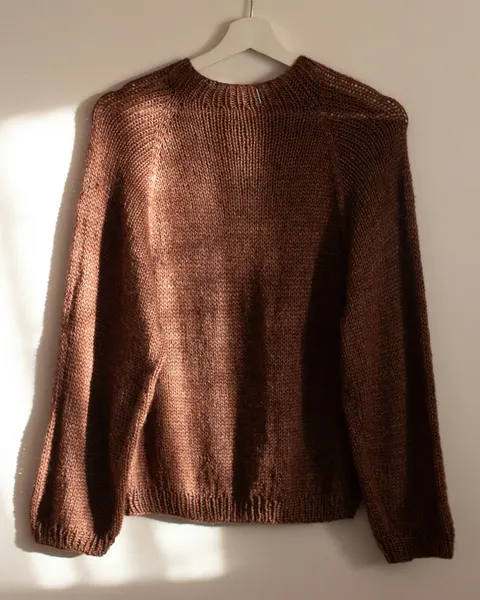
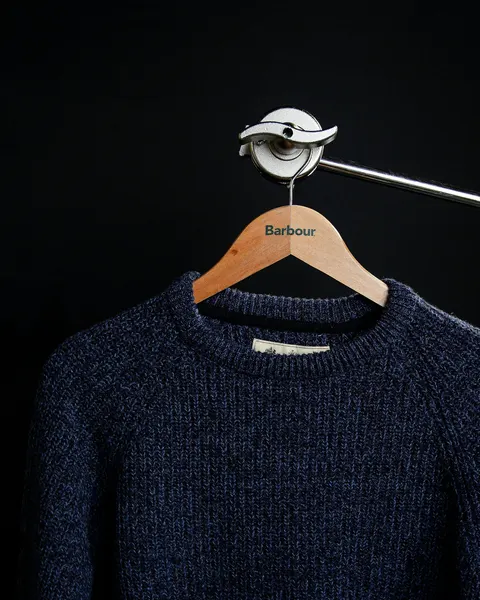
- On a hanger: hang it on a door or a wall hook at eye level. Good for dresses, coats and shirts, because the fabric falls the way it does when someone wears it.
- Worn: buyers like to see how a piece fits. If you don’t want to model it yourself, see the last part of this guide.
Take the photos buyers look for
- The whole item from the front, filling most of the frame. This is your cover photo, the one people see in search.
- The back.
- The brand label and the size label.
- The fabric up close, so buyers can see the texture.
- Any flaws: a small stain, a pulled thread, bobbling. Show them clearly.
- The details that add value: buttons, embroidery, a print, the pockets.
Small things that make a big difference
- Iron or steam the item first. In a photo, a crease looks like wear.
- Hold the phone upright. Clothes are taller than they are wide, so the item fills more of the picture.
- Wipe the lens. A fingerprint makes every photo look hazy.
- Skip filters that change colours. Buyers want to know what will arrive.
- Put the measurements (length, chest, waist) in the description. A photo can’t show them.
Worn photos without posing yourself
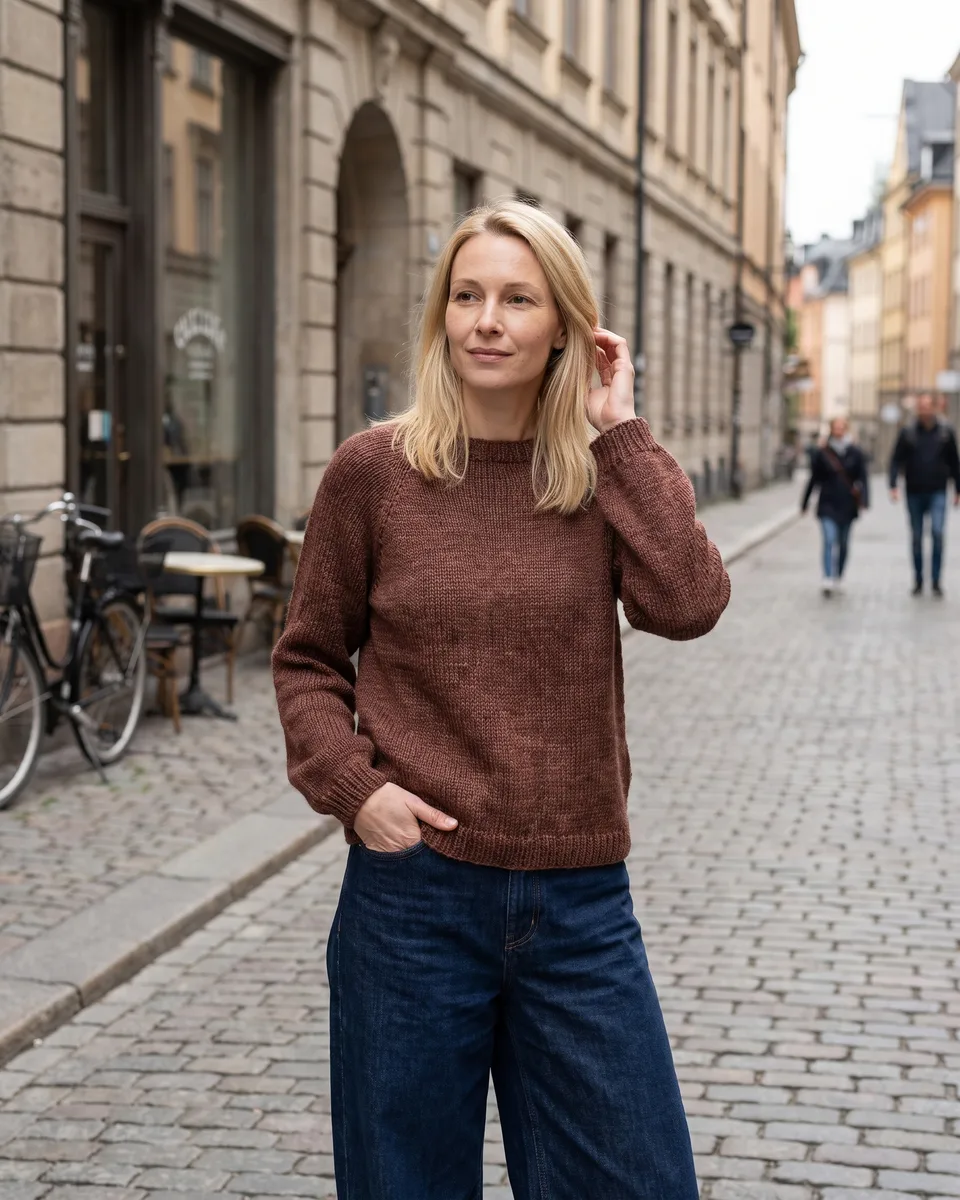
Many buyers find it easier to picture a piece when they see it worn, but not everyone wants to pose for every listing. Vintsee takes your own photo of the item and puts it on an AI model. It is built to keep the colour, print, logos and any wear as they are, and it checks each result against your photo. You also get a title, description and tags for the listing, in your language.
Keep your own photos of the real item in the listing and add the worn photo next to them. Vinted’s catalog rules ask for photos that show the item as it is, and buyers trust a listing more when they can see both.
 Before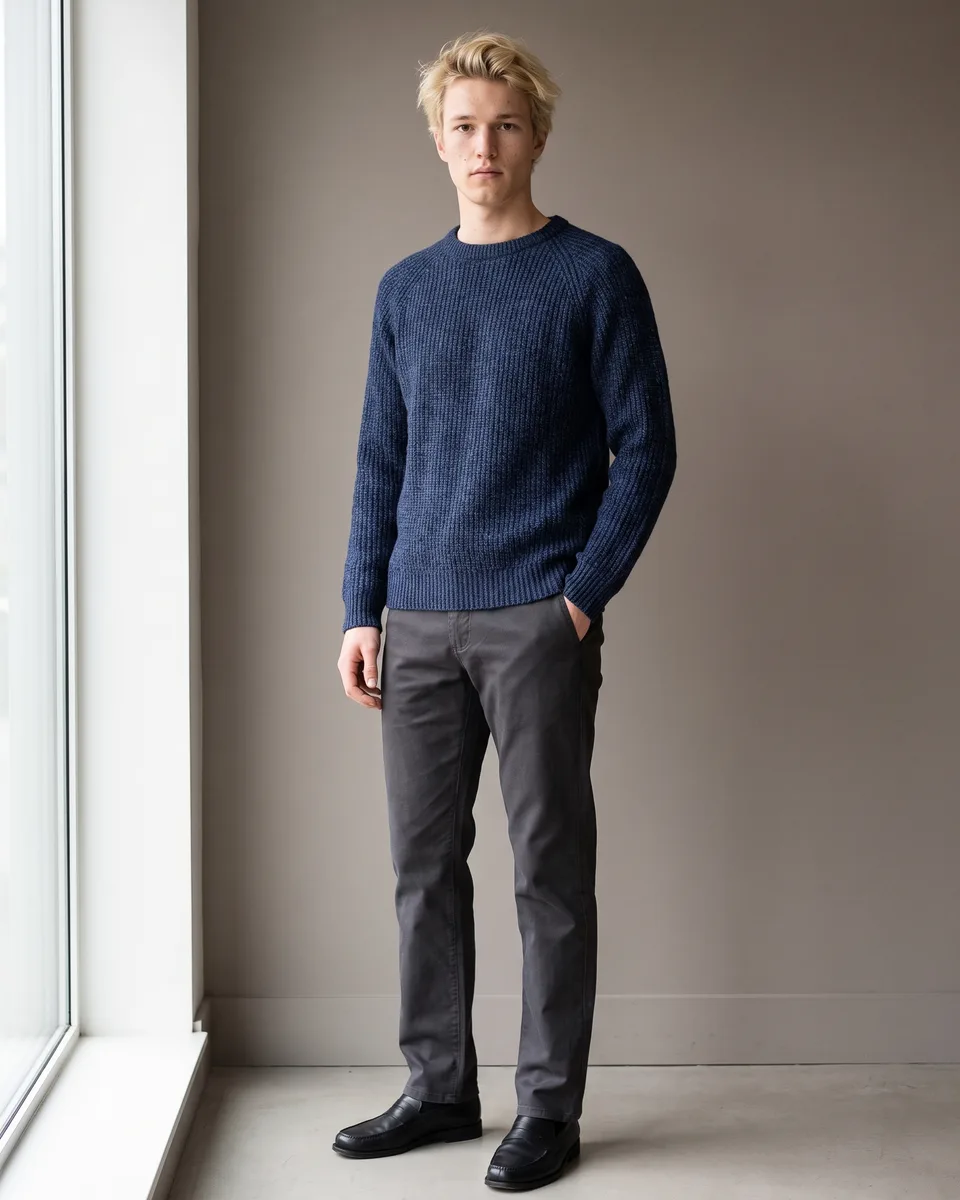
 Before
Someone just listed the same jacket. With a model.
Add one garment photo and see it on a model. 2 free credits, no card.
Start freeGuides for Vinted sellers
- How to sell on Vinted: a step-by-step guide
- How does Vinted work? Fees, payment and shipping
- What sells best on Vinted, and what to skip
- The worst Vinted photos, and how to avoid them
- Best time to post on Vinted: when listings get seen
- What does bumped mean on Vinted? Are bumps worth it?
- Hashtags on Vinted: do they work, and which to use?
- Vinted Pro: who needs it and how it works
- Vinted and tax: do you have to pay? (UK, 2026)
- Vinted account blocked? Why it happens and what to do
- AI model photo apps for Vinted, compared (2026)
- AI photos on Vinted: what’s allowed and what isn’t
- How to use Vintsee: from garment photo to listing