
Worn photos for Vinted without modelling yourself
· 4 min read
Buyers want to see how a piece hangs on a body, and plenty of sellers would rather not be in the photo. You have more options than a mirror selfie. Here they are side by side, with what each costs, how long it takes and what can go wrong. One of them is our own app, Vintsee, so we say where the others make more sense.
The options side by side
Without AI
- A friend. Real fit and real fabric movement, which nothing else gives you. Shoot by a window, neck down if they prefer, and do a batch of items in one go.
- A dress form. Good for tops, dresses and coats that need shape. Pin the back so the front sits smooth, and say in the listing that it’s shown on a dress form.
- A styled hanger shot. Hang it on a door in daylight, tuck a belt or a scarf in, and shoot straight on. Quick and honest, though buyers still have to imagine it worn.
With AI
ChatGPT or Gemini can put a garment from your photo on a model if you describe what you want. It costs nothing extra if you already use them. The catch is that general image models redraw the garment, so a print can shift, a logo can change, and the stain you should be showing can disappear. Zoom in on every detail, and write the listing text yourself.
A Vinted AI model app does the same job with less fiddling: upload a flat-lay or hanger photo and get a worn photo back. Prices, free tries and listing text differ between apps, so see our comparison of AI model apps for Vinted. Vintsee, ours, checks each photo against your garment and remakes it once if something important changed, keeps the same model across your listings, and writes the title, description and tags.
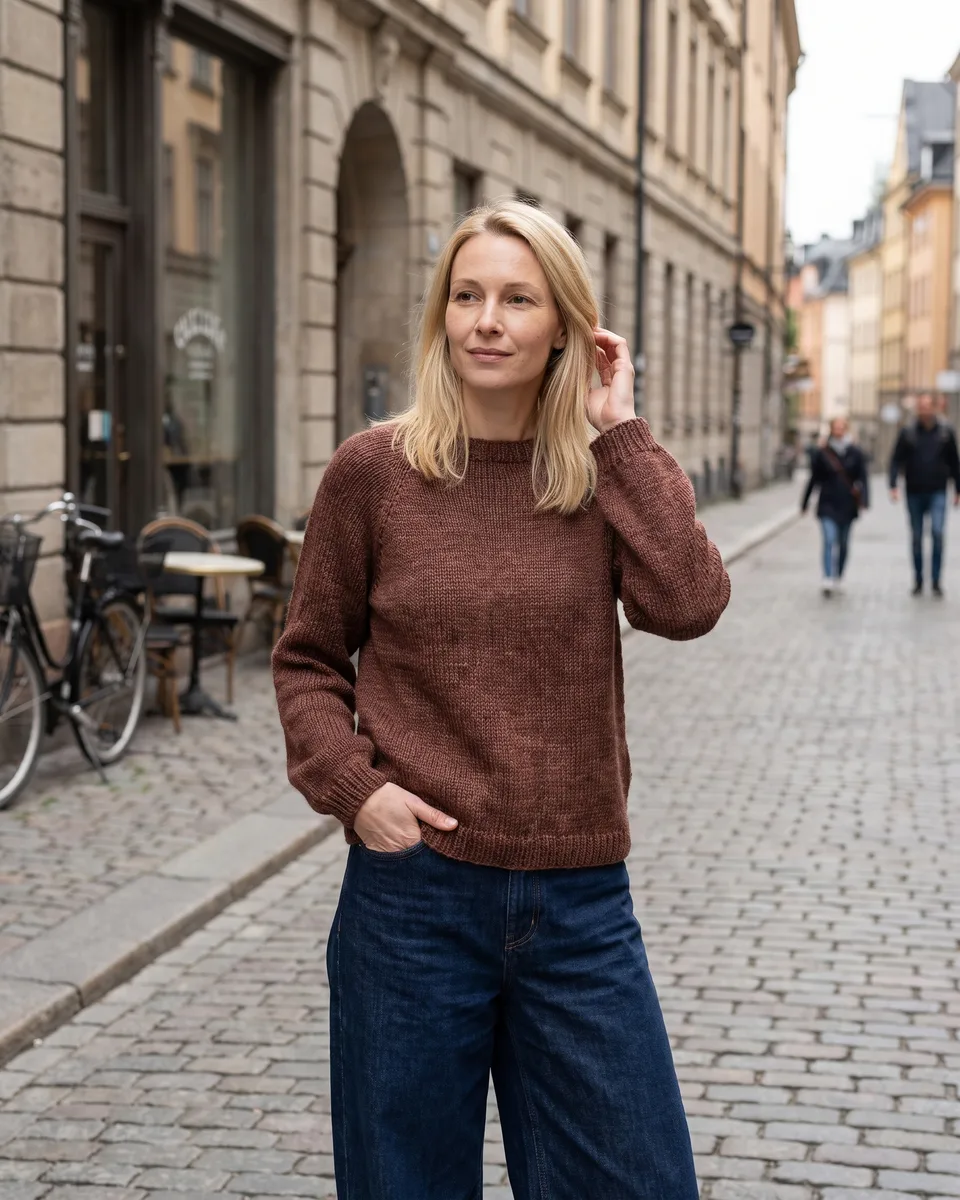
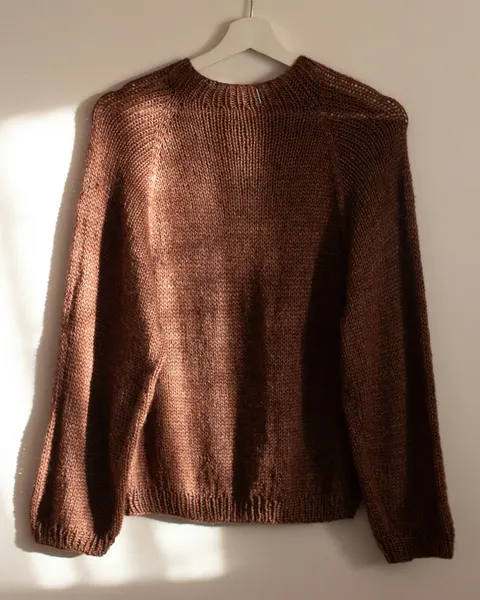 Before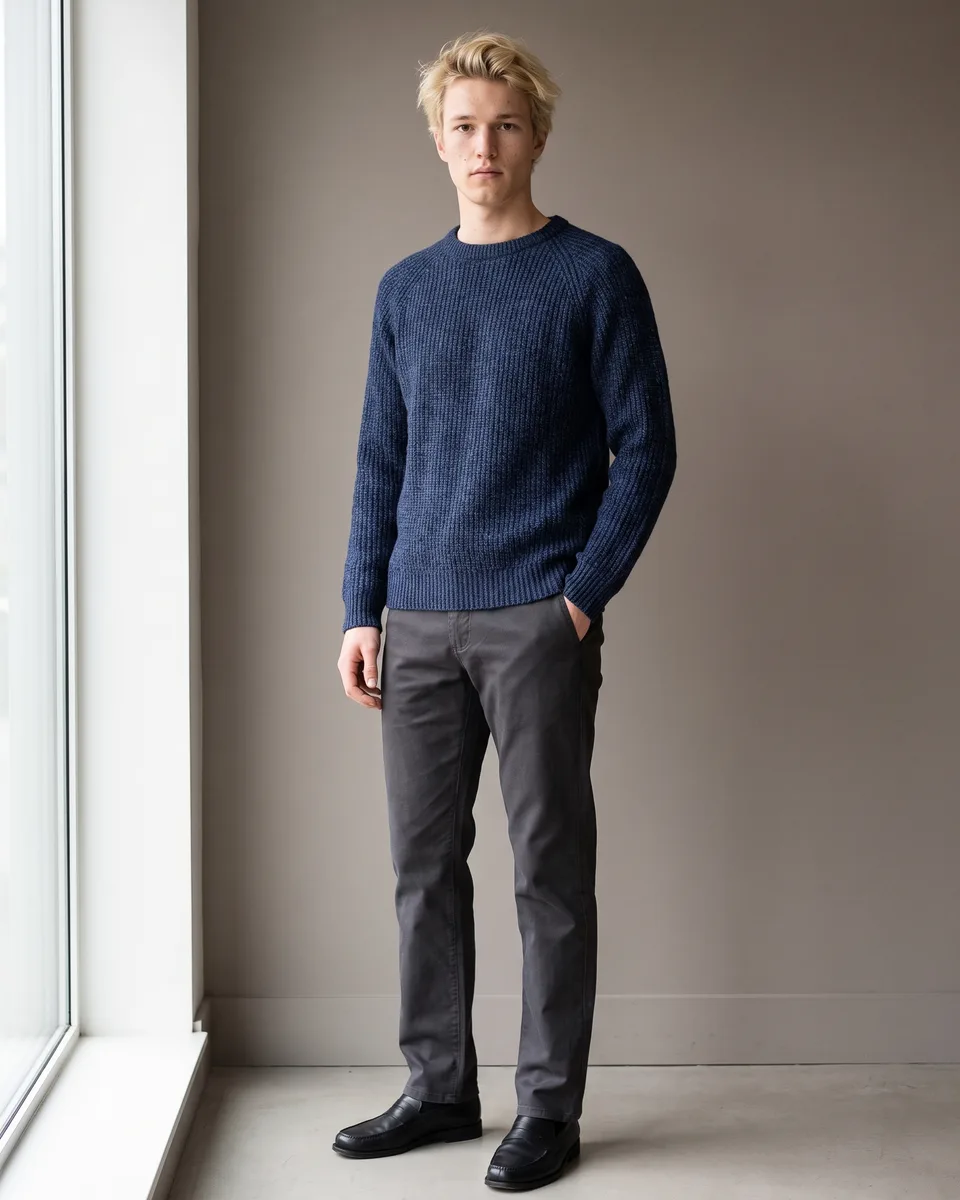
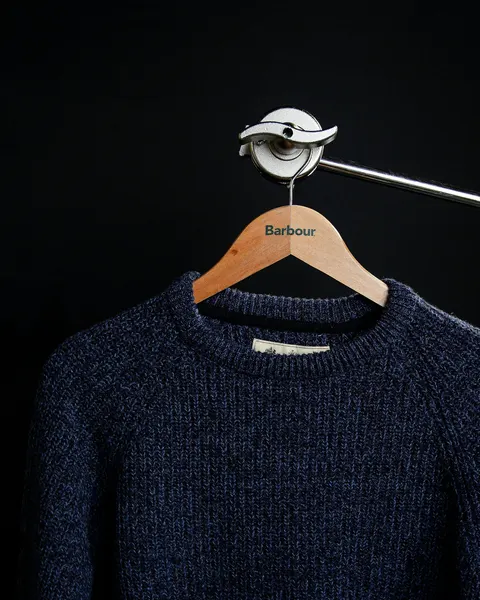 Before
Getting a good AI photo
- Lay the item flat or hang it, smooth out creases, and photograph it in daylight with the whole garment in frame.
- Add a close-up of any print, logo or label, so the details have something to match.
- Before you post, compare the result with the real item: colour, print, buttons, length, and every flaw.
- Use the AI photo as an extra. Keep your own photos of the real item in the listing.
What Vinted expects
Vinted asks for photos that show the real item as it is, and a buyer can open a dispute if what arrives looks different from the listing. A worn photo helps a buyer picture it, and your own photos prove what they’re getting. Our guide to AI photos on Vinted covers the rules.
See your item on a model.
Add one photo of your item and see it on a model. Your first 2 photos are free, no card.
Start freeGuides for Vinted sellers
- How to sell on Vinted: a step-by-step guide
- How does Vinted work? Fees, payment and shipping
- What sells best on Vinted, and what to skip
- How to take Vinted photos that sell
- The worst Vinted photos, and how to avoid them
- Vinted description templates: what to write, with examples
- Best time to post on Vinted: when listings get seen
- What does bumped mean on Vinted? Are bumps worth it?
- Hashtags on Vinted: do they work, and which to use?
- Vinted Pro: who needs it and how it works
- Vinted and tax: do you have to pay? (UK, 2026)
- How to send a Vinted parcel: packing and shipping
- Vinted returns and refunds: how they work (2026)
- Vinted scams that target sellers, and how to avoid them
- Vinted account blocked? Why it happens and what to do
- AI model photo apps for Vinted, compared (2026)
- AI photos on Vinted: what’s allowed and what isn’t
- How to use Vintsee: from garment photo to listing