ChatGPT for Vinted worn photos: a prompt and what to check
Plenty of sellers try ChatGPT or Gemini first for a worn photo, because they already have it. It can work. Here is a prompt to start from, a checklist for the result, and the places where a general chatbot usually changes your item without telling you.
What you need first
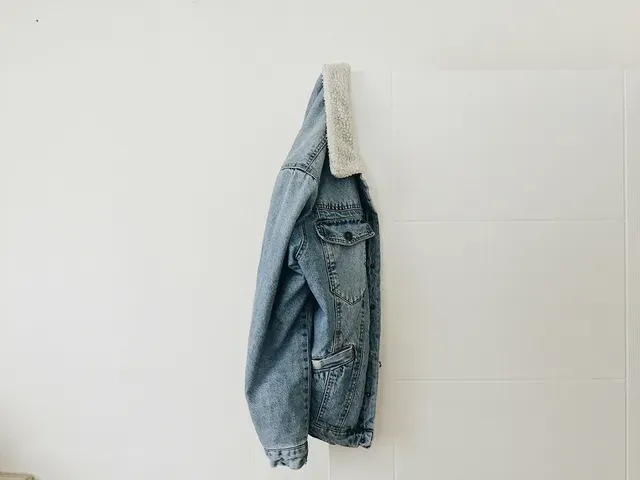
- One photo of the whole item in daylight, laid flat or on a hanger, nothing cropped.
- A close-up of any print, logo or text, so you can compare later.
- A few minutes to check the result. This is the step people skip, and the one buyers notice.
A prompt to start from
Upload your photo and paste this, changing the parts in brackets:
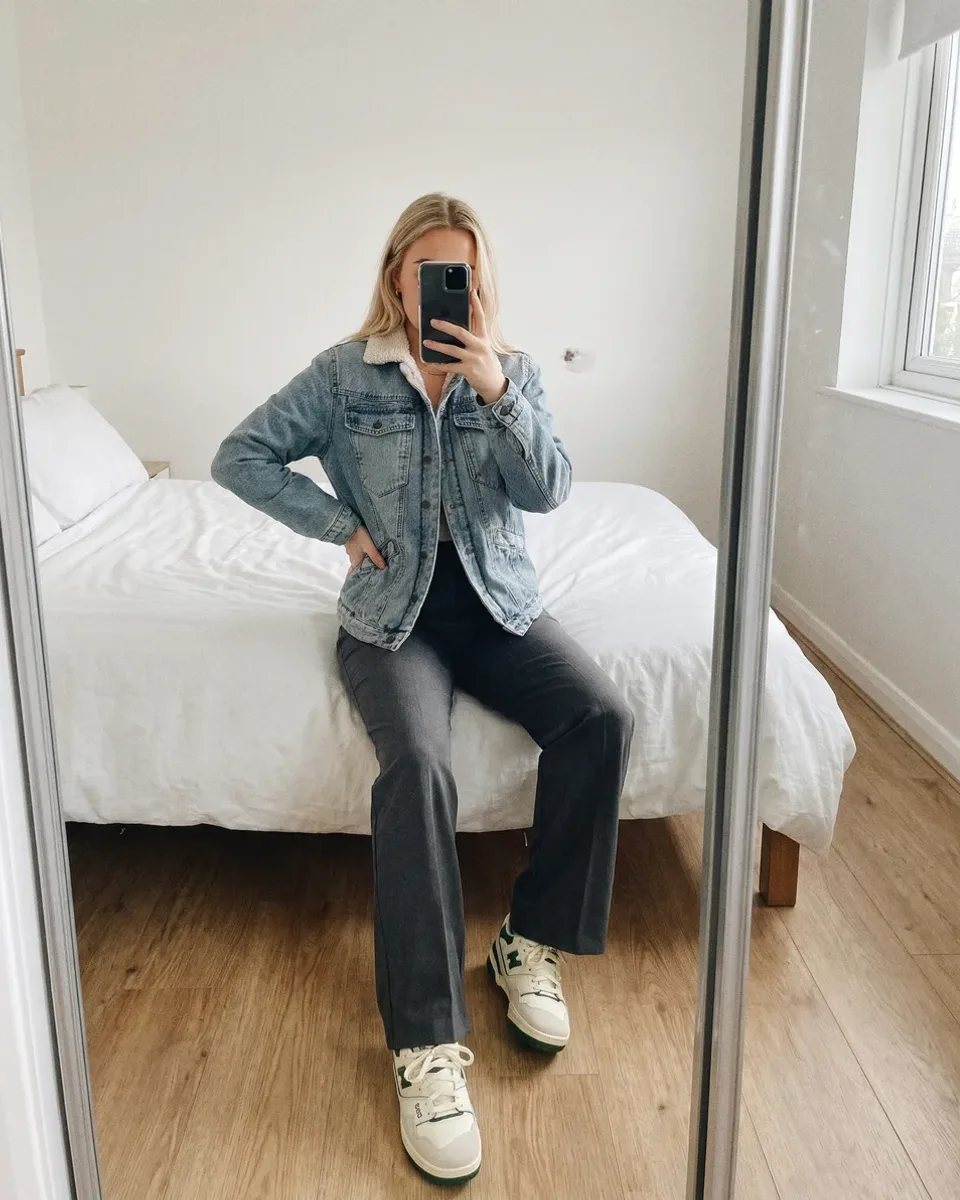
The mirror selfie with the phone over the face is the worn style with the most favourites for women’s items above about €7 in our study of 2,100 Vinted listings, and it reads as your own photo. For men, the usual worn photo is against a plain wall, cropped at the chin.
What to check before you post
- 1Colour: hold the real item next to the screen in daylight. Chatbots often make colours a little nicer than they are.
- 2Print: same pattern, same size, same place. Small repeating prints are the first thing to get redrawn.
- 3Logo and text: read them letter by letter. Invented letters are common, and a buyer will spot them.
- 4Length and fit: a cropped top that came out long, or a loose shirt that came out fitted, is a different item.
- 5Details: count buttons, pockets and zips. Check the collar and cuffs.
- 6Wear: if the item has pilling, a mark or fading, it should still be there. A photo that hides it invites a “not as described” claim.
Where general chatbots go wrong
A chatbot doesn’t paste your garment onto a person. It draws a new image that looks like your garment, so the result is a close copy at best. The usual misses are the ones in the checklist above: colour drift, a print redrawn at a different scale, made-up letters in a logo, and wear that quietly disappears. Each new chat also gives you a different person, so a wardrobe of listings ends up with a different model in every photo.
There is also a look to avoid. When every photo has the same pose, the same perfect light and the same glossy background, buyers recognise it as AI and some scroll past. In our study, first photos that looked like generated influencer shots got 2 to 11 favourites, against a median of 19.
When a dedicated app is worth it
If you list a few items a month and don’t mind checking by eye, a chatbot may be all you need. If you list often, the checking adds up. Vintsee is built for that part: it reads your item’s colour, print, logos and wear before it makes the photo, checks the result against your photo, and tells you under the photo if something important came out different, then offers to make it again for free. The same model stays across your listings, and it writes the listing text too. Our comparison of AI model apps for Vinted sets out the other options and prices.
Whatever you use, Vinted’s rules ask for your own photo of the item first. Put the AI photo after it and say in the description that it is AI-generated. More in AI photos on Vinted: what’s allowed.
See your item on a model.
Add one photo of your item and see it on a model. Your first 2 photos are free, no card.