
Vinted offers and bundles: how they work for sellers
Haggling is part of Vinted. Buyers send offers, sellers counter, and anyone buying several items from one wardrobe can bundle them and save on shipping. Here’s how each one works, from Vinted’s help centre, read in October 2026, and how to use them without giving your clothes away.
How an offer works
- 1On the listing, the buyer presses Make an offer, or starts a chat with Ask seller and makes the offer there.
- 2The offer can be up to 40% below the asking price. Buyers can send up to 25 offers a day; sellers have no limit.
- 3The seller accepts, declines, or declines and sends a counteroffer with a different price.
- 4Once a price is agreed, the buyer presses Buy now in the conversation to pay.
What an offer covers
Only the item. Postage and the Vinted fee are added on top and can’t be negotiated. Buyers see that total, so some offer a little below your price to make up for the fee. Our guide to how Vinted works shows what the fee comes to.
Answering offers as a seller
- Price with roomList a little above the lowest price you’d accept, so a counteroffer still lands where you want it.
- Counter instead of ignoringA low offer is often an opening. Decline it and send the price you can do; a reply keeps the buyer talking.
- Answer quicklyThe item stays on sale while you think, and the buyer is probably messaging other sellers too.
- Make offers to people who favouritedWhen members favourite your item, you can message them and offer a discount with Make an offer. Only that member sees the lower price.
Bundles: several items, one order
A buyer who likes more than one of your items presses Create bundle next to Shop bundles on a listing or on your profile, and adds up to 100 items. They can buy the bundle straight away, ask a question or make an offer on the bundle price. The Vinted fee and shipping go on top, and bundling saves them shipping compared with buying each item on its own. Heavy or bulky items have to be bought separately. When the buyer pays, every item in the bundle is marked as sold.
Setting up bundle discounts
Private sellers can give an automatic discount based on how many items are in a bundle. In the app, go to your profile and open Bundle discounts; on the website, click your profile icon and find it under Settings. Pick a discount for each number of items, or choose “-” to skip one. Pro sellers can sell bundles but can’t offer bundle discounts.
Make your wardrobe worth browsing
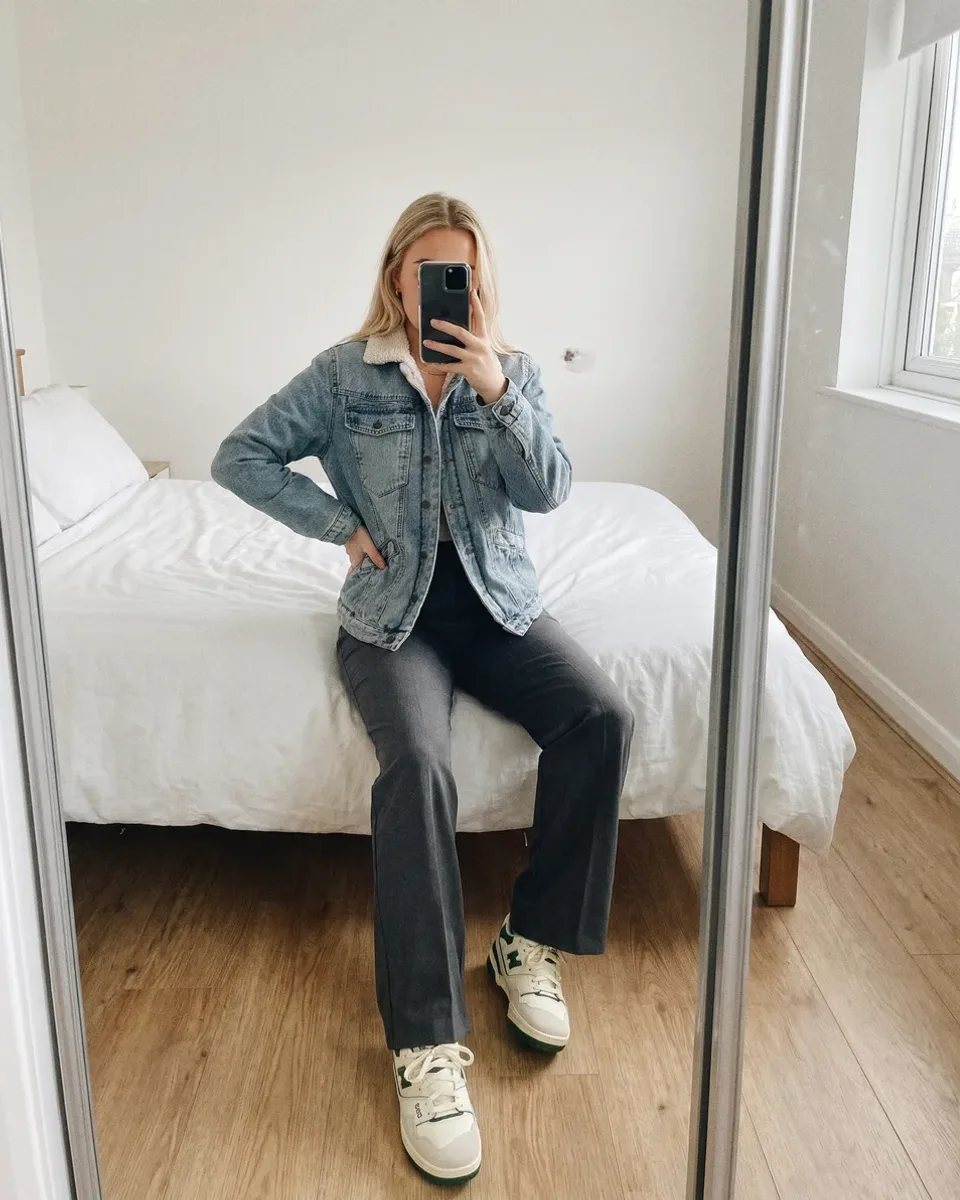
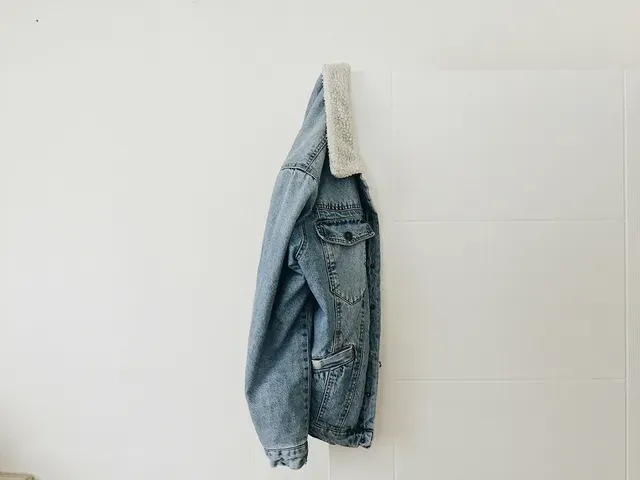
Buyers build bundles from your profile, so every listing there is part of the pitch. Clear, consistent photos make a wardrobe easy to browse; our guide to Vinted photos that sell shows how. Vintsee can put each item on the same AI model from your own photo, keeping colour, print, logos and wear as they are, so your listings look like they belong together. Keep your own photos of each real item in the listing too.
See your item on a model.
Add one photo of your item and see it on a model. Your first 2 photos are free, no card.
Sources
Where the facts come from. Fees and rules change, so check the latest there.